Open Internet Explorer.
Go
to Tools  Internet Options
  Security.
Click on Trusted Sites and Press Sites Button.
Settings For Generation Of Report
1. Trusted Sites Setting
Open Internet Explorer.
Go
to Tools Internet Options Security.
Click on Trusted Sites and Press Sites Button.
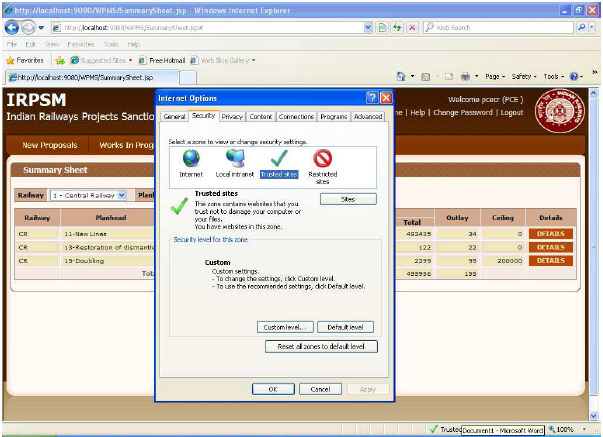
Following Dialog Box appears
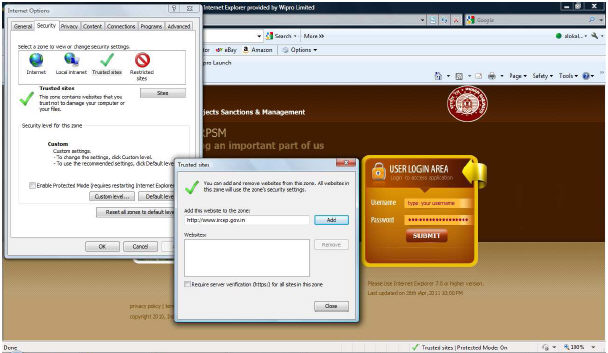
Click Add Button
Close
2. Security Setting
Open Internet Explorer.
Go
to Tools  Internet Options
  Security.
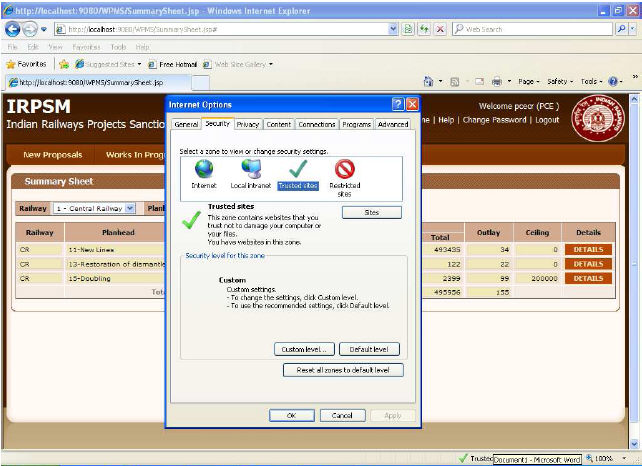
Click Custom Level Button.
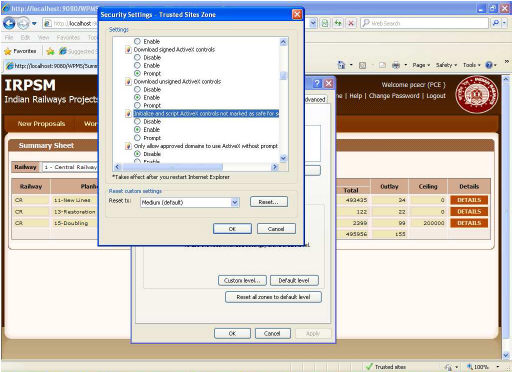
Go to ActiveX Controls and plug Ins Heading.
Click Enable in the Initialize and script ActiveX controls not marked as safe for scripting.
Press Ok.