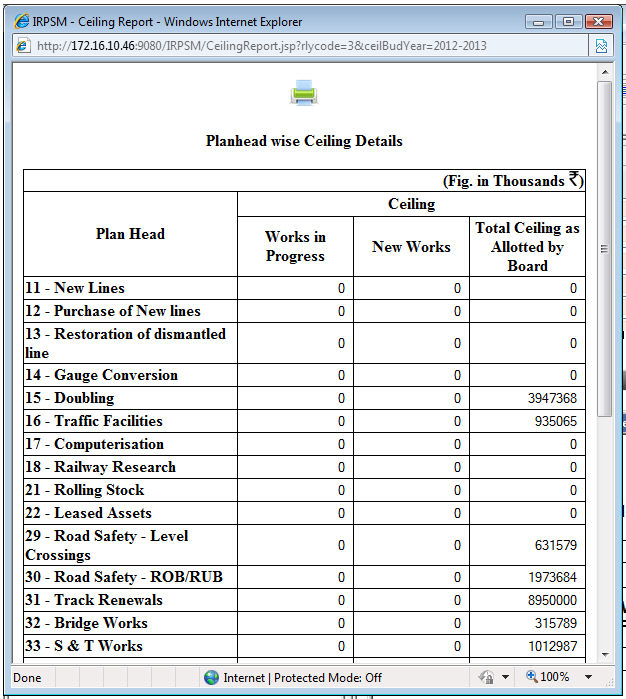
This option displays the ceiling provided under each Plan Head separately by New Works & Works in Progress.
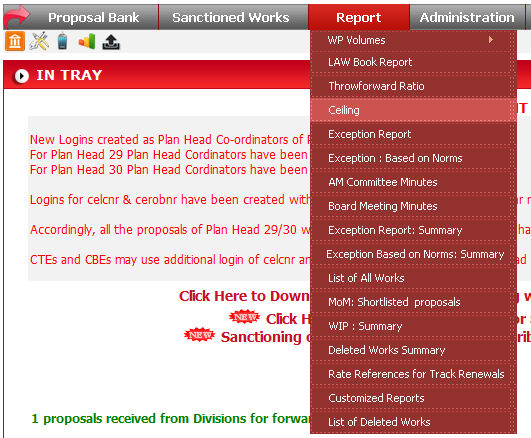
To run this report click on Report -> Ceiling.
Select the Railway and Budget Year from drop down list and
click on  button to list the report in browser.

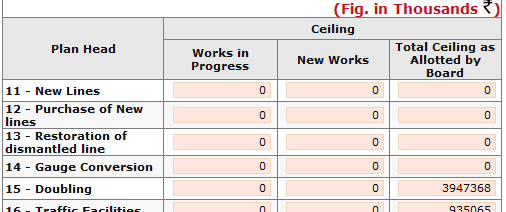
When you click on button, data will come in
this format.
If you want to take a print of report click on  button, data will come in a popup window having a Print icon
(
button, data will come in a popup window having a Print icon
( ).
).