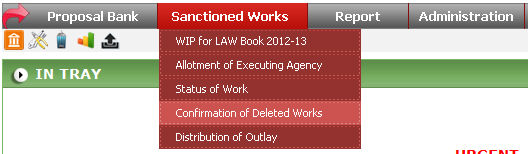
To open this form, click on Sanctioned Work -> Confirmation of Deleted Works option from menu.

Select the parameters as per your requirement and click on
 button.

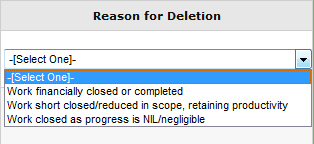
To confirm the deleted works select Reason for Deletion and
click on  button.
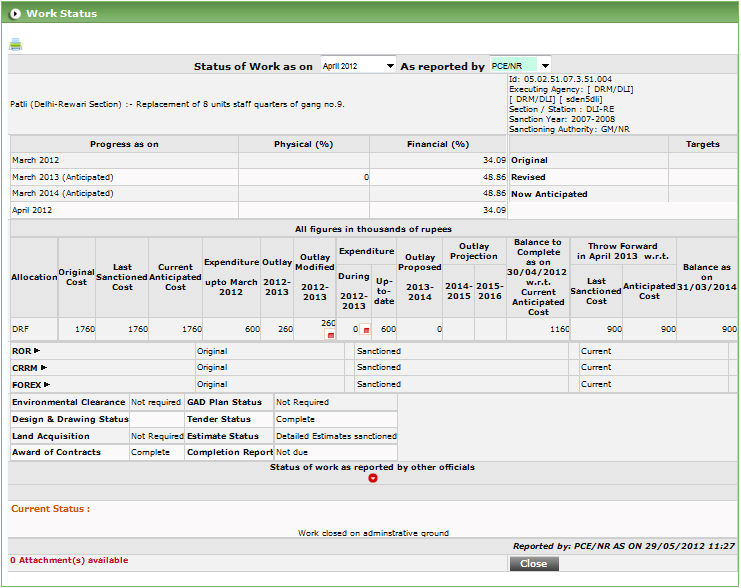
To view the work status click on View Progress button ( ).
).
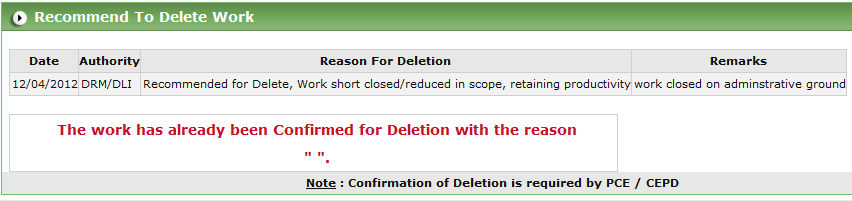
To view the reason for deletion click on  button
to open popup.
button
to open popup.
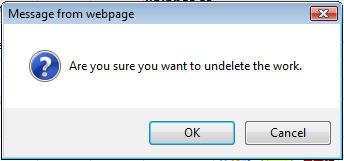
You can undo the deleted works by clicking Undelete button
( ) of a particular work.