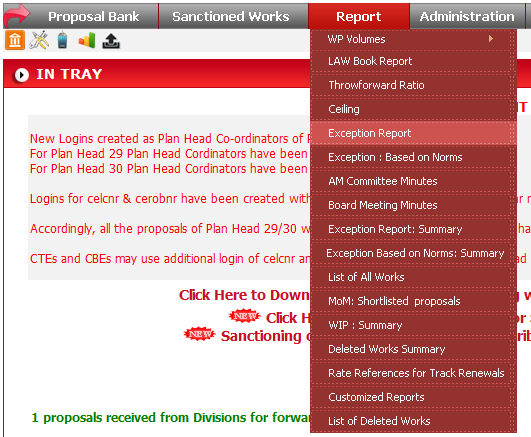
To run this report click on Report -> Exception Report.

Select the parameter values from drop down list and click
on  button to list the report in browser. You can select
more than one Planhead at the same time. When you click on GO button,
data will come in this format.
button to list the report in browser. You can select
more than one Planhead at the same time. When you click on GO button,
data will come in this format.
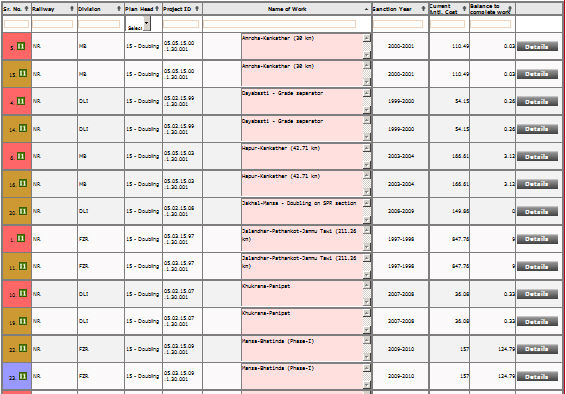
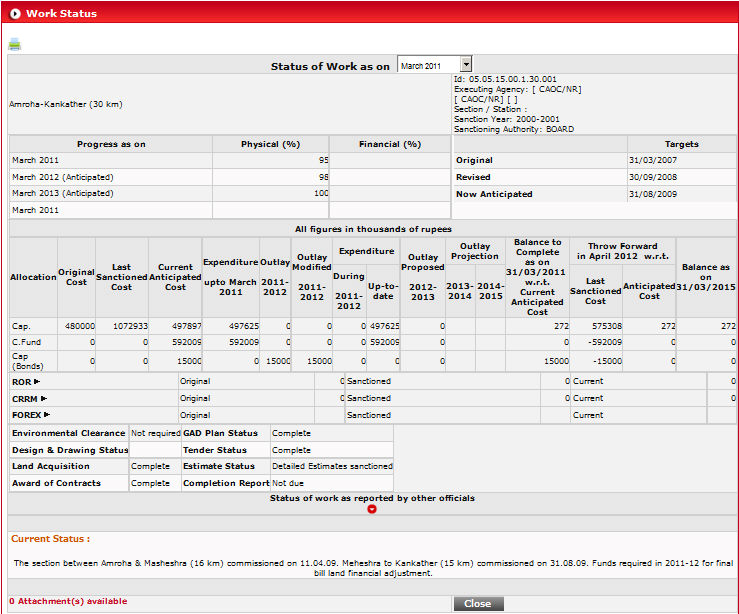
If you want to see the detail of any work, click on Detail
button ( ), that particular work will open in a new window.
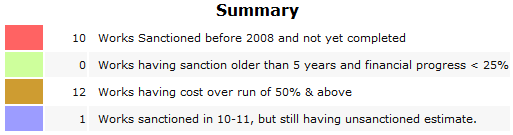
Color used in report are as follows :