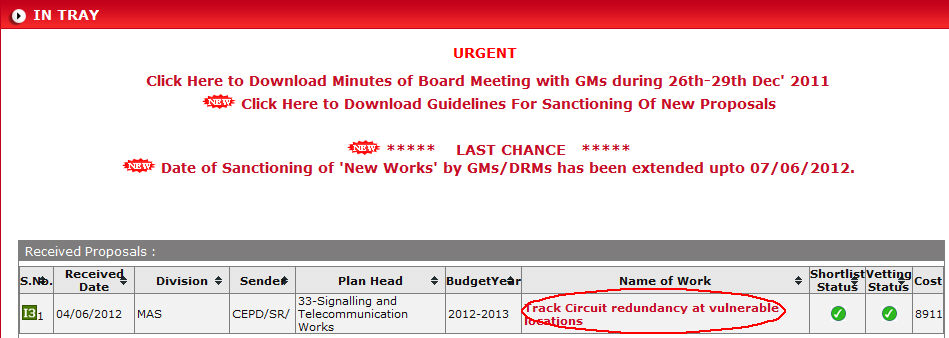
To open this form login in IRPSM using your Login Id and click on Name of Work available in the list of Received Proposals.
After clicking above highlighted Name of Work, Proposal Processing window will open on the screen.
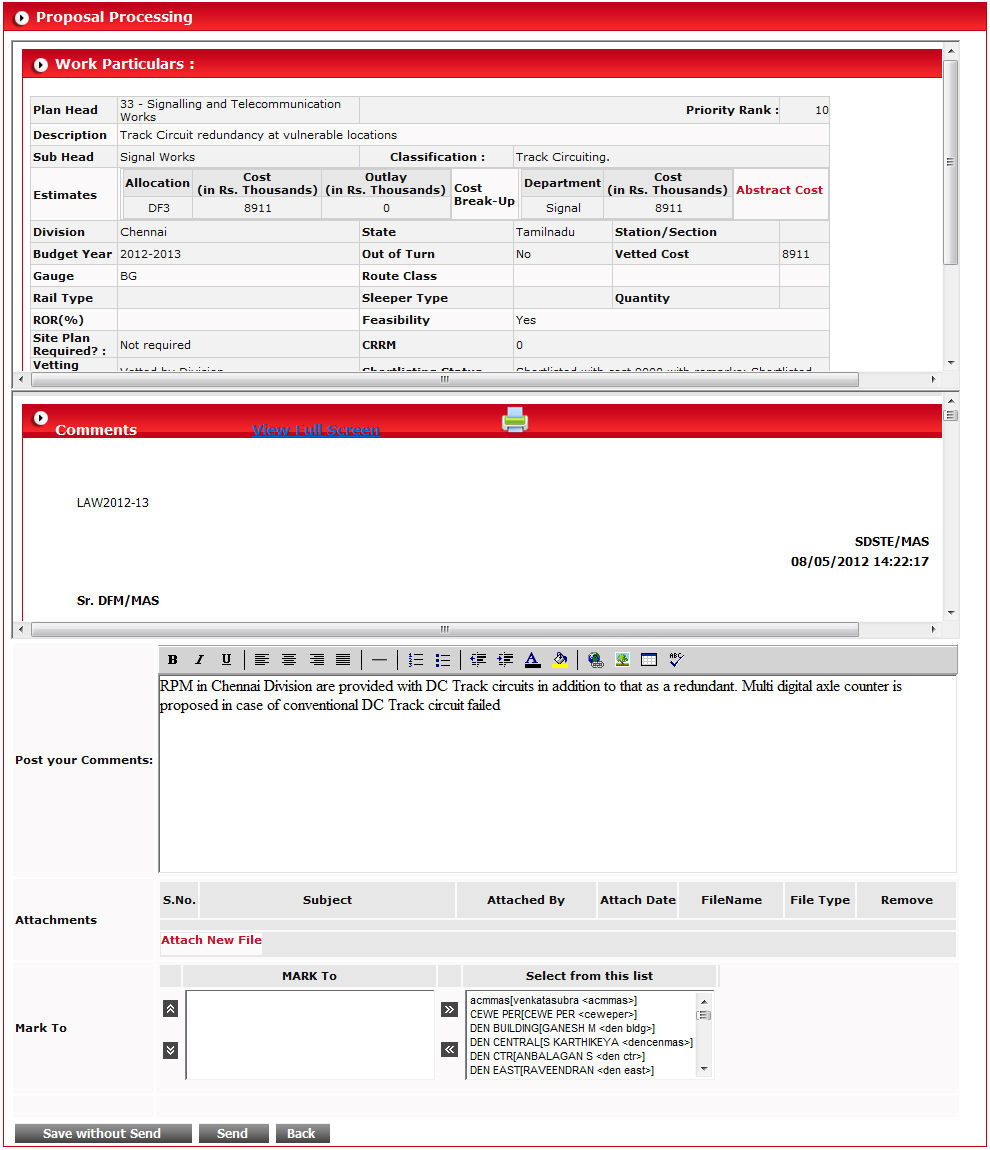
Make your needful changes and click on  button
to save proposal. When you click on this button, proposal will not be
sent to selected designation in Mark To list.
button
to save proposal. When you click on this button, proposal will not be
sent to selected designation in Mark To list.
To send proposal to desired designated authority, select
designation in MARK To list using  button and click on
  button.
Click on  button to go back on home screen.