To open this form login in IRPSM using your Login Id and click on link highlighted in below showing image.
When you click on above highlighted link, Rate Reference form will open on the screen.
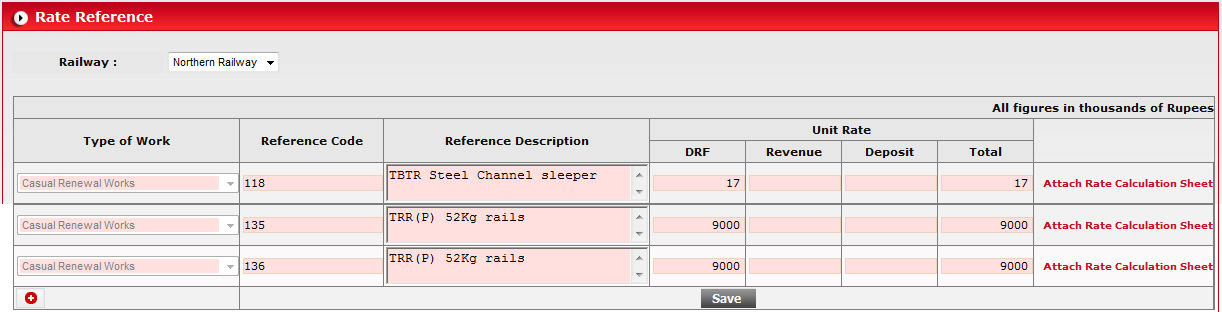
In this form, you are able to add new rate, or edit the existing
rate reference. Record that is not enable for edit denotes that this rate
has been used in application and you can edit it. Unused rate references
can be edited by entering new values in fields and click on  button.
To add a new rate reference click on  button
and enter values in newly created row.
button
and enter values in newly created row.

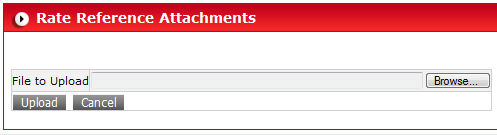
If you want to attach a sheet for particular work rate, click on link Attach Rate Calculation Sheet available right side of the form.