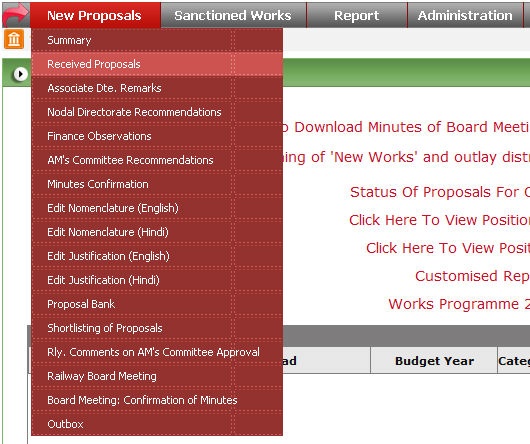
To open this form click on New Proposal -> Received Proposals option in menu.

Select all parameters from drop down list and click on  button.
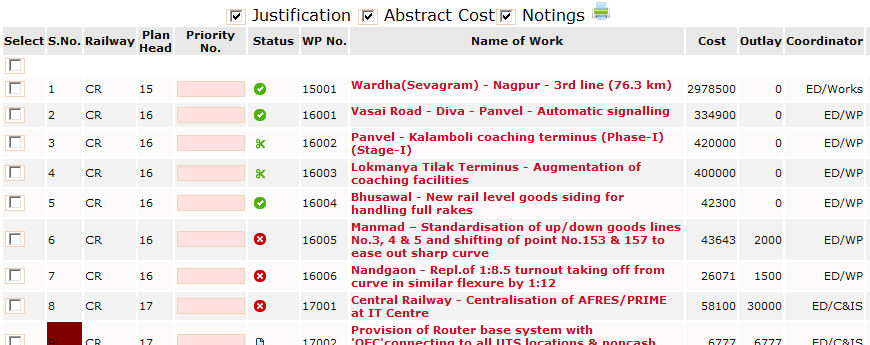
Click on  button to get data in excel format.

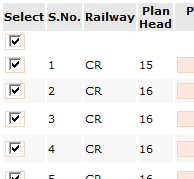
You can take print of selected rows by clicking check box
available in the first column in table. To take full report you can select
first check box to select all rows in once and click on  button.
Click on  button to send back that work to
particular railway. Type the reason for return and click on
button to send back that work to
particular railway. Type the reason for return and click on  button.
Meaning of icons used in Status.