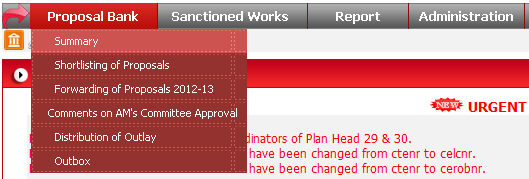
To open this form click on Proposal Bank -> Summary option in menu.
After clicking option from menu, Proposal Bank form will
display on screen. Select all desired values from drop down list and click
on go button ( ).
).
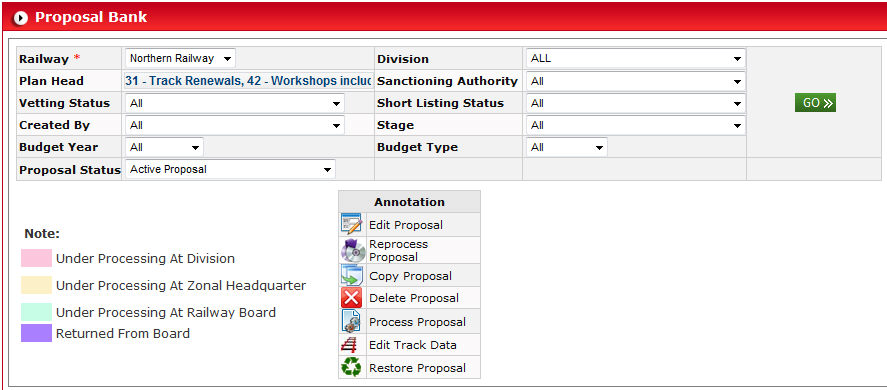
After clicking on Go button, list of all proposals will display on the basis of selected parameter.
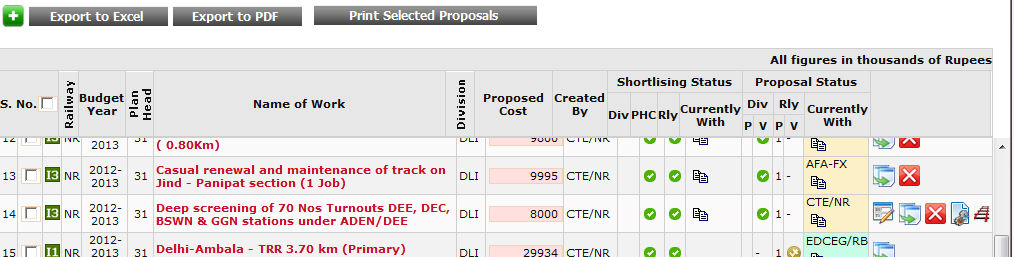
In this list you can Export the proposals in excel or PDF or can print the proposals using buttons.

You can also perform some operation like Delete or Edit on
proposals by clicking button Delete ( ) and Edit (
 ), respectively.
When you click on Edit button (), a new popup
window will open where you can edit the details of that proposal. You
can also open this popup by clicking on Work Name.
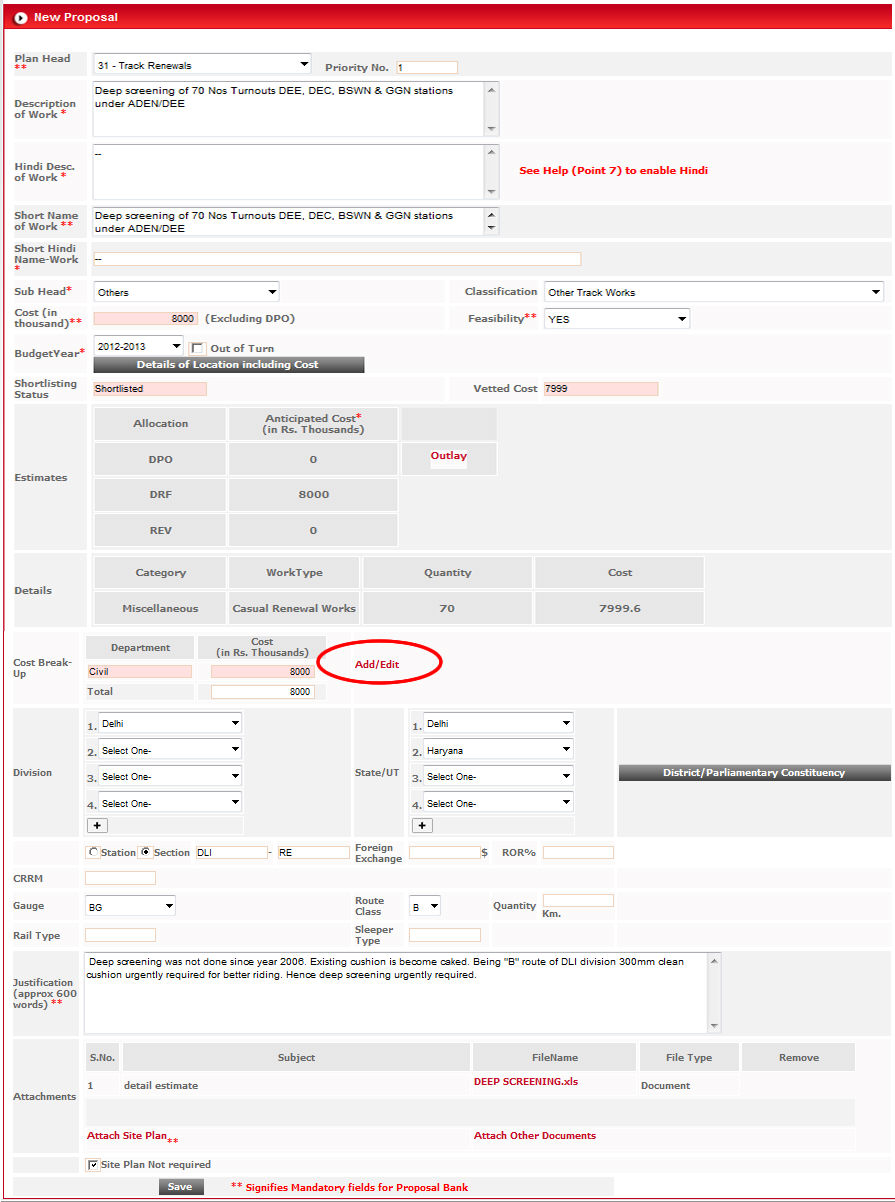
After making changes in proposal click on Save ( ) button to make changes permanently.
To enter cost breakup for this proposal, click on highlighted
link  on this page. Estimates
window will open.
on this page. Estimates
window will open.

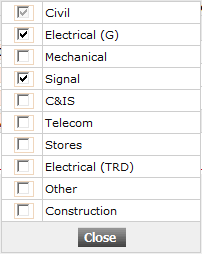
Click on link  to Include or Exclude department
by selecting or deselecting department from list.
to Include or Exclude department
by selecting or deselecting department from list.
To enter or edit estimate of a particular department, click on Details link highlighted in image.
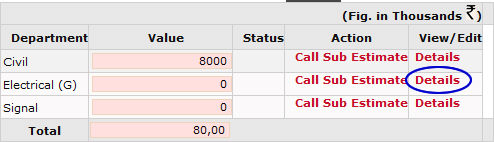
When you click on Details link, estimate for that particular department will appear just below to this list.
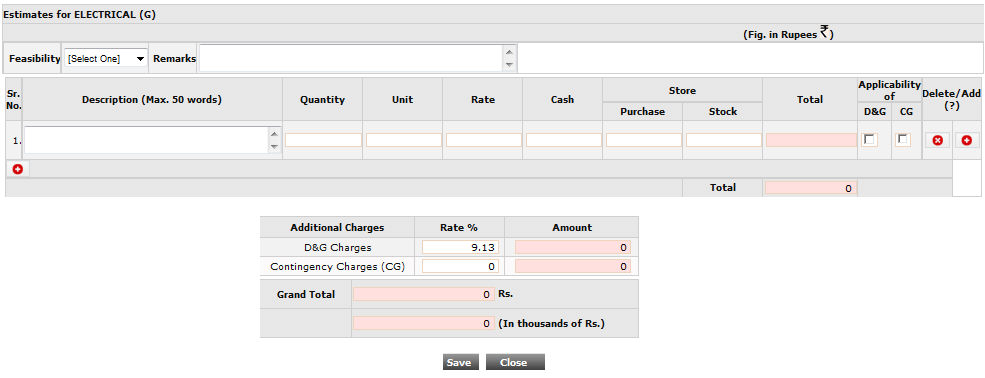
Fill the data in this form and click on button.
If you want to add this cost under applicability of D&G/CG, select the related check box and according to that option, cost will be calculated on the basis of Rate %.
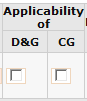
You can add more rows by clicking Add
button ( ).
).
You can also call these sub estimates to someone else by clicking highlighted link Call Sub Estimate in shown image.
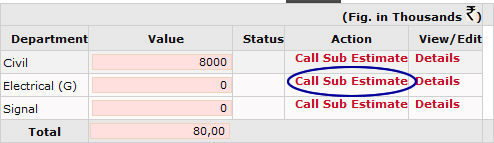
When you click on this link, a prompt window comes containing a drop down list of designations.

Select your desired designation and click on  button.

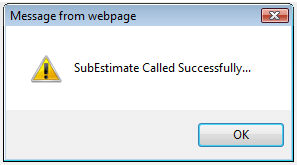
After successfully called, status column get updated immediately as shown in image below.

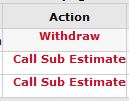
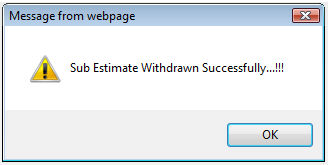
You can revert this action by clicking  link
in Action column.
link
in Action column.